
Everything You Know About Restaurant Waitlists Is Wrong!!! Escape Pager Purgatory for $19/month…
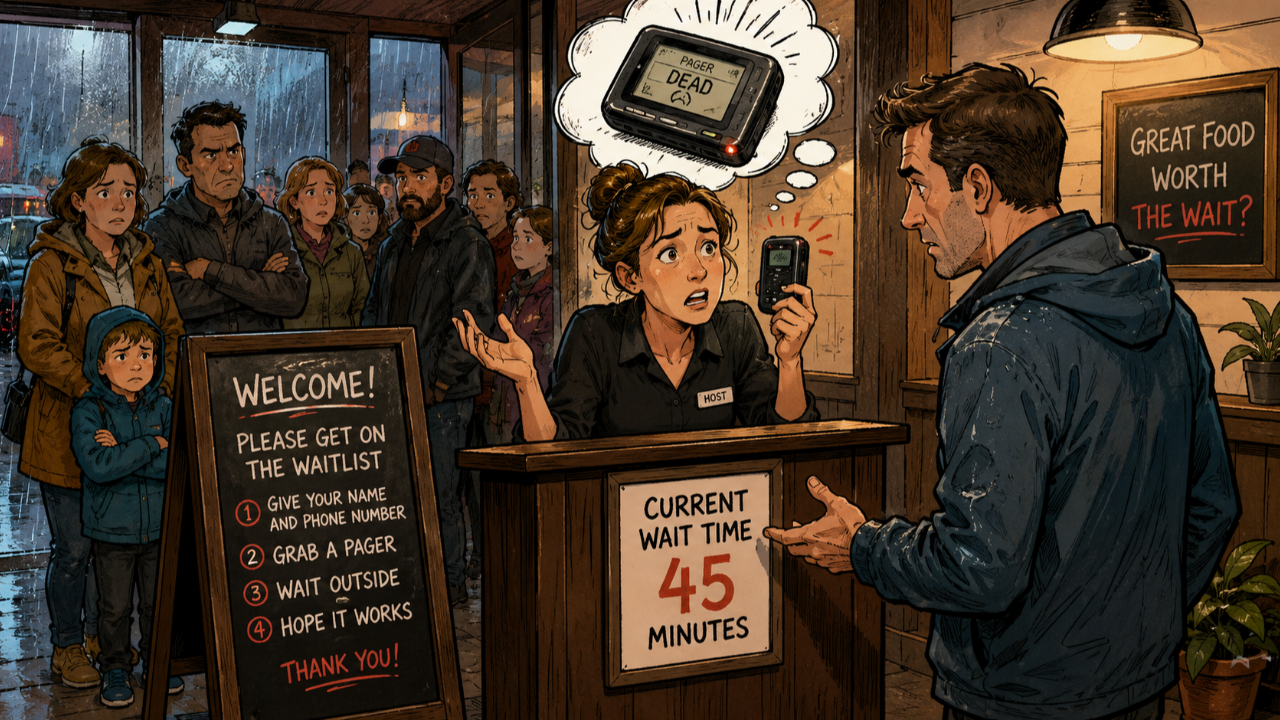
It was a rainy Saturday, and I watched a diner’s front door turn into a traffic jam. Families crowded the entryway, and the wait was already 45 minutes. The host looked stressed, and I could see why.
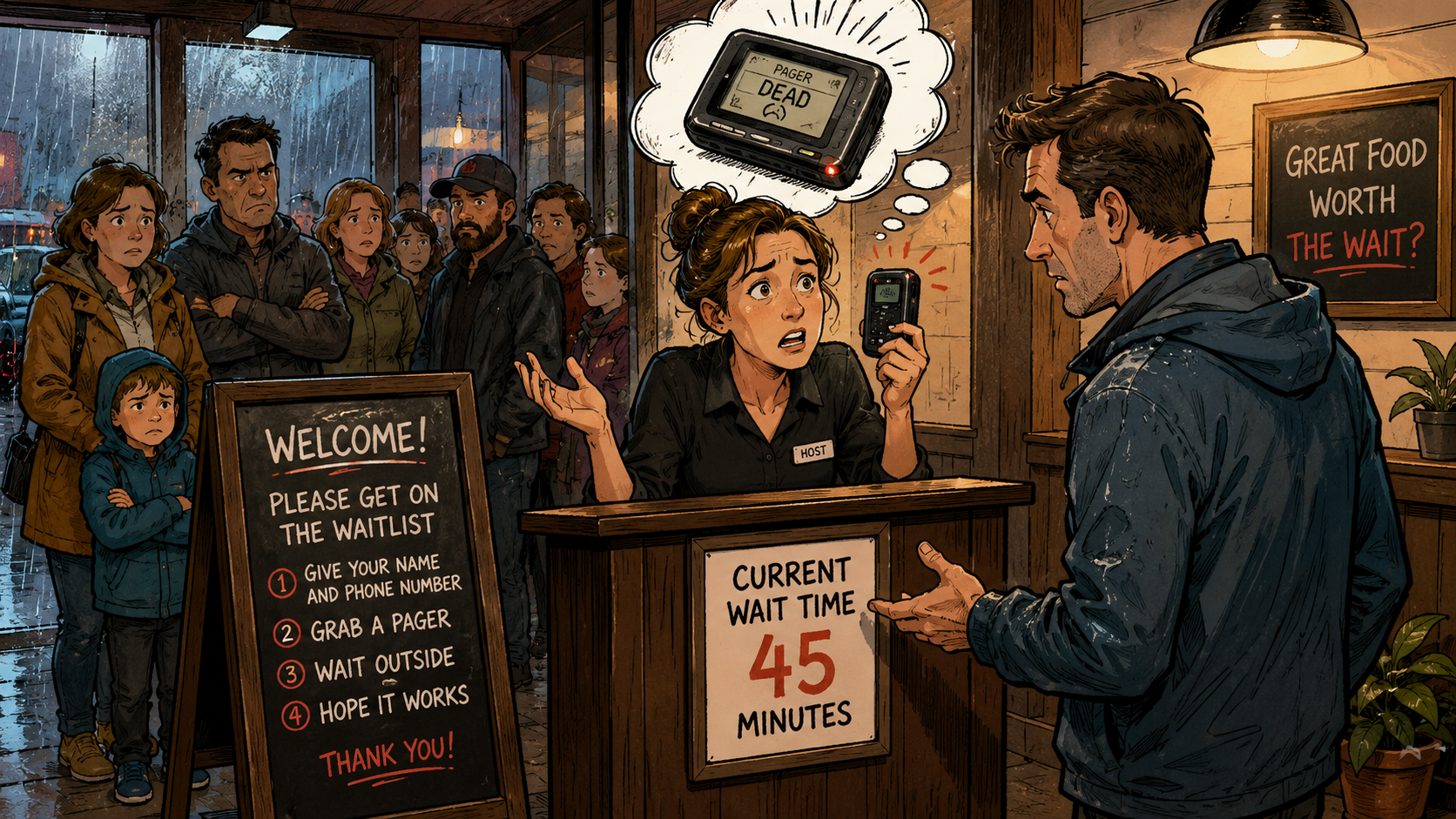
She held a plastic pager that felt like it came from another decade. It blinked, then died, right in her hand. She shook it like that would bring it back to life.
Later, I went online to see if this was just one bad shift. I opened Reddit and found restaurant owners venting about the same problem. That’s when the bigger story clicked for me.
Why small restaurants feel trapped by waitlist tools
A Texas owner said the quiet part out loud
In one thread, a bistro owner in Texas described paying $249 a month for seating software. He wasn’t using the floor map. He wasn’t using reservations.
As he put it, he was paying that price just to text guests. He only needed to collect a phone number and send a message. He called it “highway robbery.”
Pager Purgatory is real, and it’s expensive
I call this cycle “Pager Purgatory.” It’s when a small place overpays for a big software suite. They do it because the alternative feels like chaos.
Meanwhile, the host stand still runs on clipboards, dead buzzers, and frantic guesses. Owners don’t want fancy dashboards. They want the line to move.
Big restaurant tech companies keep adding features to justify high prices. They build AI seating models and predictive tools. But most local diners don’t care.
The one feature most places actually need: a fast text alert
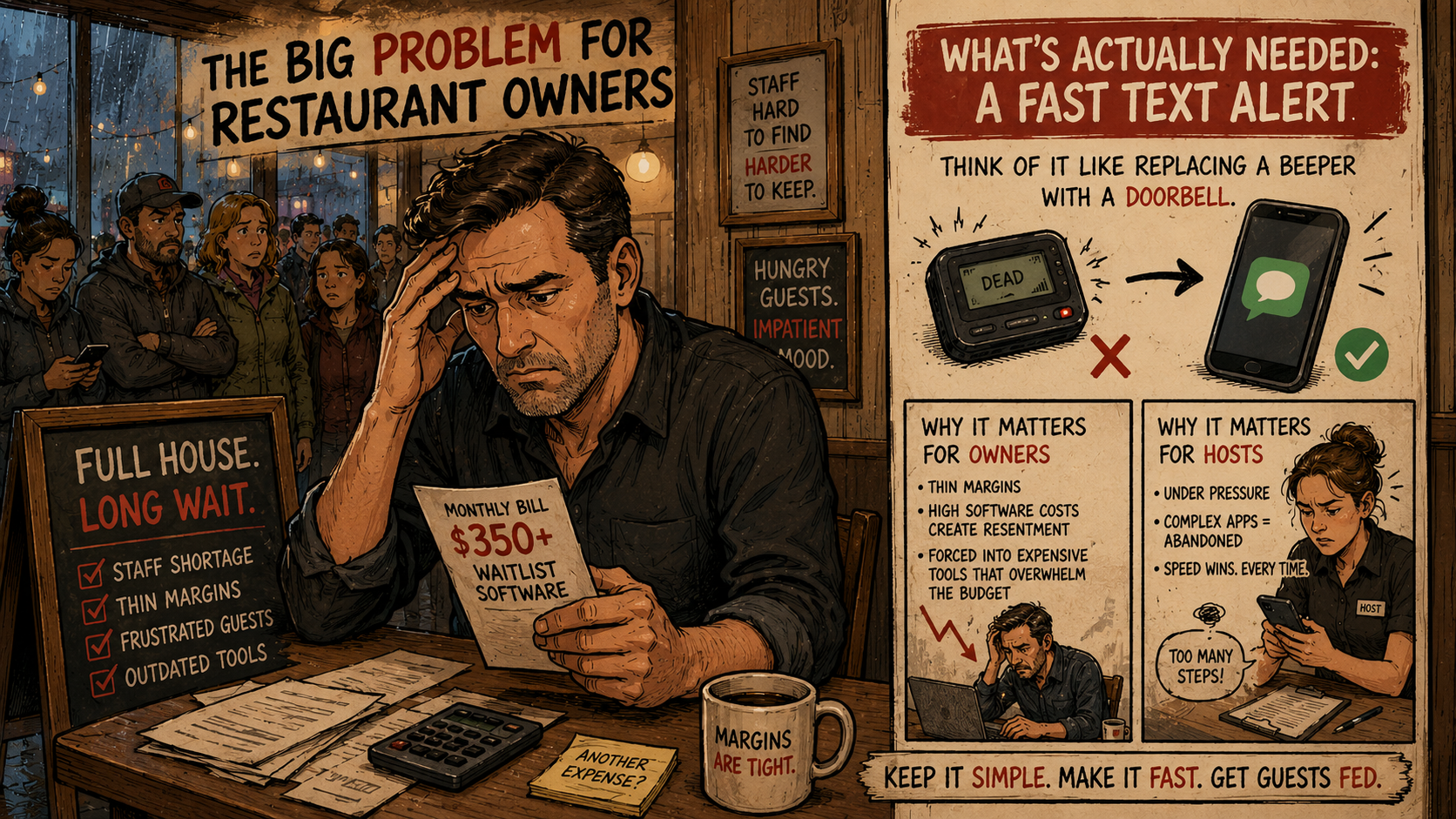
Think of it like replacing a beeper with a doorbell
A waitlist text tool should work like a doorbell. You press one button, and the right person gets the signal. No extra screens, no complicated setup.
For many restaurants, the “job” is simple: tell a guest their table is ready. If your software only does that, it can be cheap and reliable.
Why this matters to owners and hosts
Owners run on thin margins and constant staffing problems. If software costs as much as a utility bill, it creates real resentment. They feel forced into it.
Hosts feel the pressure in a different way. They’re often young workers on hourly pay. They stand there while hungry people stare at them.
If an app takes three screens to add a party of four, they will abandon it. They will grab a pen and go back to the clipboard. Speed wins every time.
- For the host: fewer angry faces and fewer mistakes.
- For the owner: lower monthly bills and less hardware loss.
- For the guest: freedom to walk around without losing their spot.
What to cut: a “kill list” that keeps the tool simple
Every extra click is a bug
If you want this to stick in a real restaurant, you need discipline. The best tools don’t create new habits. They remove friction from old ones.
That means you must say “no” to features that sound impressive. They slow the host down and confuse the owner. Simplicity is the product.
Features to remove on purpose
To keep the tool fast, put these on a strict kill list. If you add them, you’ll drift into the same expensive mess. Then you lose your advantage.
- No custom floor plans or table maps.
- No online reservation calendars or booking links.
- No customer profiles or visit history tracking.
- No staff passwords if you can avoid them.
Here’s a practical rule: if a host can’t add a guest in five seconds, it’s too slow. If your software needs a training manual, it’s broken.
How to build a waitlist texting tool in a weekend (no-code plan)
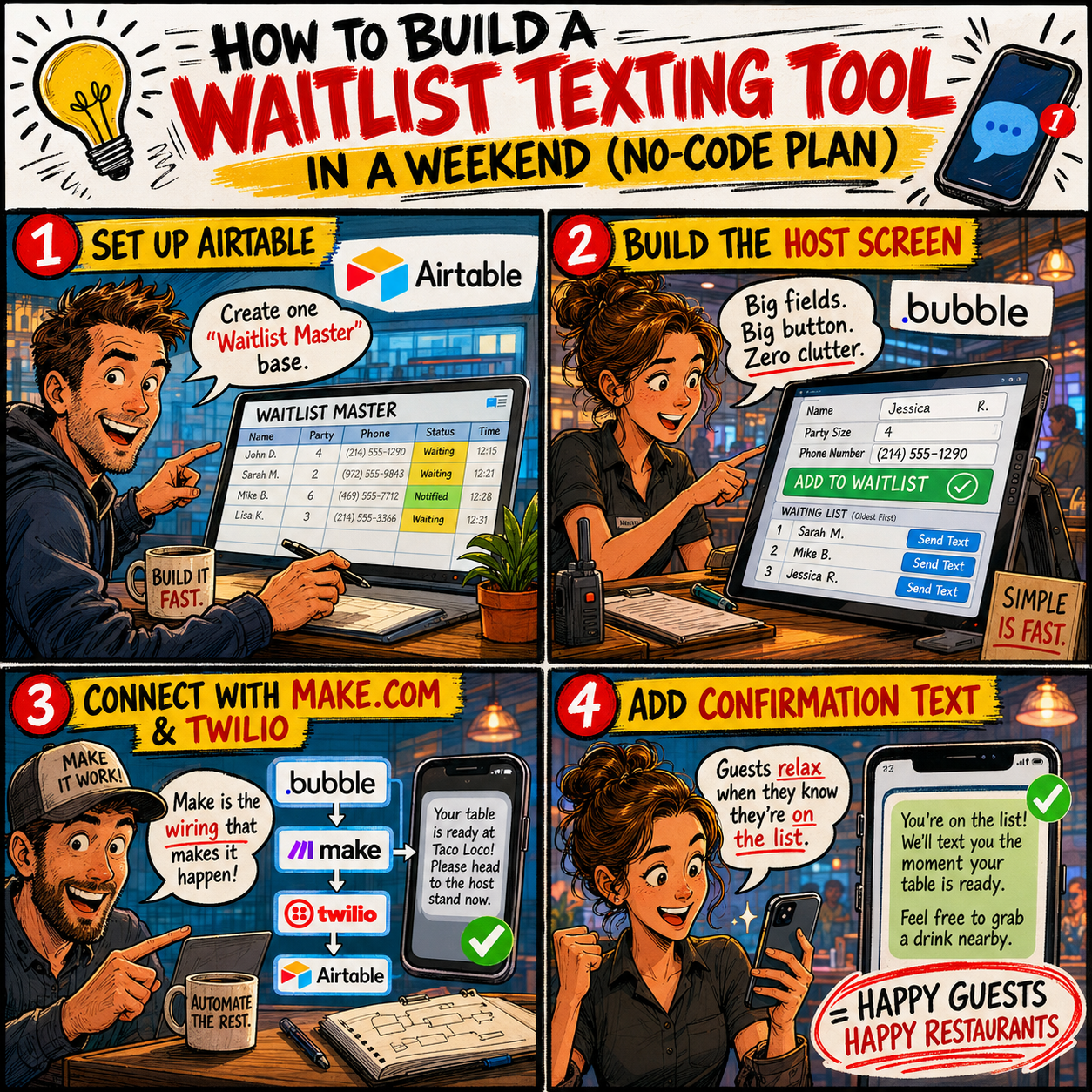
Phase 1: Set up a simple database in Airtable
You don’t need a big engineering team to build this. You can create a working “circuit” first. Then you improve it after real restaurants use it.
Start with Airtable as your database. Create one base called “Waitlist Master.” Add a table with these columns.
- Guest Name (single line text)
- Party Size (number)
- Phone Number (phone format)
- Status (Waiting, Notified, Seated)
- Created Time (timestamp)
Phase 2: Build the host screen in Bubble
Next, design a clean dashboard in Bubble. Picture an iPad on a busy host stand. Big buttons and zero clutter work best.
At the top, add three large fields: Name, Party Size, and Phone Number. Under them, add one huge green button: “Add to Waitlist.”
When the button is clicked, it should create a new Airtable record. Then it should instantly clear the fields. That reset matters during a rush.
Below the inputs, show a list of guests with Status set to “Waiting.” Sort by Created Time so the oldest party stays on top.
Next to each name, add a button that says “Send Notification Text.” That’s the whole point of the tool.
Phase 3: Connect texting with Make.com and Twilio
Now you need the “wiring” between your app and SMS. Use Make.com to connect Bubble, Airtable, and Twilio. This keeps the build fast.
- Create a Make.com scenario that starts with a Webhook module.
- Copy the webhook URL Make gives you.
- In Bubble, set “Send Notification Text” to POST to that webhook.
- Pass the guest phone number and the Airtable record ID.
- In Make, add a Twilio “Send Message” module.
- Write the text message template the restaurant wants.
- Add a final Airtable update step to set Status to “Notified.”
A sample message can be simple and clear. For example: “Your table is ready at Taco Loco. Please head to the host stand now.”
That last Airtable update prevents double-texting. It also keeps the host’s list clean. In a rush, that reduces mistakes fast.
Add one more text: the confirmation message that calms everyone down
Guests relax when they know they’re officially on the list
A great system doesn’t only send the “table ready” text. It also sends a quick confirmation when the guest is added. That small message reduces anxiety.
Set a second workflow in Bubble that triggers on “Add to Waitlist.” It should send a webhook to Make.com, which triggers Twilio.
The confirmation can say: “You’re on the list. We’ll text you the moment your table is ready. Feel free to grab a drink nearby.”
This clears the doorway crowd, too. People stop hovering near the host stand. The room feels calmer, even when the wait is long.
One tiny technical detail that saves headaches
Phone numbers can get messy with spaces and dashes. Use a simple formatting tool to clean them automatically. That way Twilio gets a consistent number.
If texts fail, staff will stop trusting the system. Reliability is your brand, even more than design.
Pricing, costs, and how this becomes a real micro-SaaS business
Keep your monthly costs low enough to profit fast
This kind of product works best as a cheap utility. If it replaces a $200 problem, then $19 or $29 feels like a bargain. Owners won’t overthink it.
You can keep your own operating costs low with a lightweight stack. Here’s one practical setup many builders use.
- Bubble starter plan: about $29 per month for the dashboard.
- Airtable free tier: $0 to start for the database.
- Make.com free tier: $0 to start for basic automation.
- Twilio pay-as-you-go: a fraction of a cent per text.
- Carrd: low-cost landing page hosting per year.
With that setup, your fixed costs can stay around $30 a month. After your first paying customer, most revenue becomes profit.
A simple pricing menu that owners understand
Keep pricing transparent. Don’t hide it behind demos and phone calls. Restaurant owners hate that dance.
- Food Truck Plan: $19/month, up to 500 waitlist entries.
- Diner Plan: $29/month, up to 1,500 entries.
- High-Volume Plan: $39/month, unlimited entries.
You can also offer a small add-on like custom branding. For an extra fee, the texts show the restaurant name and link, not your logo.
How to sell it without annoying restaurant owners
Timing matters more than your pitch deck
You can’t sell software to someone fixing a broken freezer. Owners are busy, tired, and constantly pitched. So you need to show up at the right time.
A smart window is Tuesday through Thursday, from 2 to 4 PM. Lunch is over, and dinner prep hasn’t started. Owners often do paperwork then.
A short, local pitch that focuses on their pain
When you walk in, keep it human and quick. Tell them what you saw and what you built. Then offer to set it up right now.
You can say something like: “I’m local. I ate here and saw the host struggling with the waitlist. I built a one-button texting tool. It’s $19 a month, and you can try it free for two weeks.”
You can also reach out on social media to places with long weekend lines. Keep the message short and specific to their restaurant.
- Mention you noticed their busy brunch photos.
- Explain it replaces clipboards and pagers with texting.
- Offer a free trial and a quick demo link.
A QR code demo can close the deal fast
Bring a printed card with a QR code. When they scan it, it opens a live demo. Let them test-text themselves in seconds.
That instant proof beats any slide deck. It also shows your product is simple enough for real life.
Where this leaves us: build small, useful tools that people gladly pay for
You don’t need to build the next giant platform
The internet loves big, world-changing startup ideas. But steady income often lives in overlooked corners. It lives in small tools that remove daily frustration.
A clean waitlist texting system won’t change the world. But it can make a Saturday rush feel manageable. And it can save owners real money.
If you’re building software, don’t chase complexity just to look impressive. Build something simple that works when the restaurant is packed.
Now I want to hear from you. What old-school hardware do you see local businesses using every day that could be replaced by a simple text message?
Stay connected with the most current Marketing News, Strategies, Tips , and Case Studies!
Join our monthly marketing magazine to receive the latest news and updates from our team of professional marketers and copywriters.
(Don't worry, your information will not be shared.)


Recent Posts

Expert Marketers Interviews
Listen to the Podcasts